Travelling? Put the local SIM in a spare phone and keep your iPhone as it is
A local SIM is still the cheapest way to call and text like a local when you travel: taxis, hotels, restaurants, deliveries and the friend you're visiting. The usual trick is to swap it into your iPhone. The usual result: your home number disappears for the whole trip.
There's a tidier way.
The setup
- Take a spare Android phone with you. An older one is fine, as long as it runs Android 13 or later.
- Put the local SIM in the spare phone.
- Keep your iPhone exactly as it is, home SIM or eSIM included.
- Pair the two phones once with iTell.
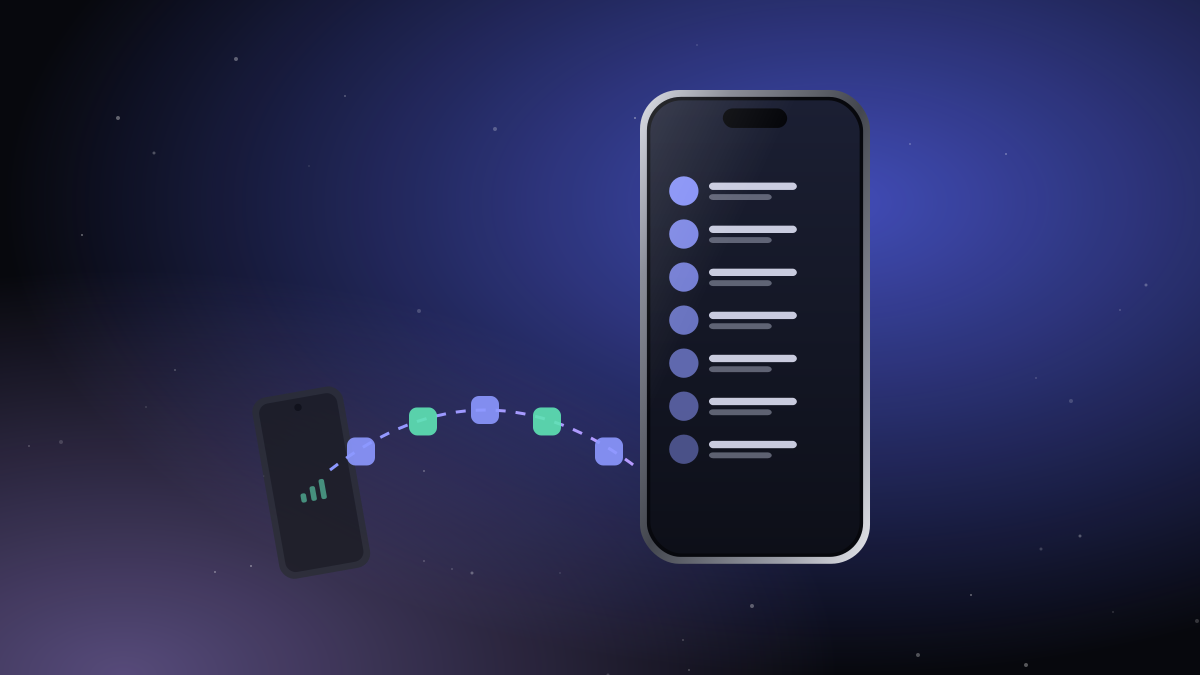
Now the spare phone lives in your bag or your hotel room, and its calls and texts show up on your iPhone.
What it's like day to day
- The hotel calls the local number: it rings on your iPhone.
- The taxi app sends a code to the local number: it shows up on your iPhone.
- You call the restaurant: from your iPhone's keypad, with the local SIM, so they see a local number.
- Your home number keeps working on the iPhone as usual.
Tips for the trip
- Charge both phones overnight. Bluetooth LE barely uses battery, but the spare phone still needs its charge.
- Stay within range. Bluetooth reaches about the size of a big room. If you leave the spare phone in the hotel, its calls won't follow you to the beach; take it in your bag instead.
- Set up before you leave. Pair the phones at home with any SIM; after you swap in the local SIM, everything keeps working.
- Dual SIM spare? If the spare phone takes two SIMs, you can choose per call or per conversation which one to use.
Why not just use an eSIM?
If your iPhone can add a local eSIM, that's a great option too. A spare phone helps when the local plan only comes as a physical SIM, when you need a local number for longer, or when you'd rather not touch your iPhone's settings at all.
Have a good trip.

Leave the second phone in your bag.
Create an account, install both apps, pair them once. That's the whole setup.
See how it works Get started