 iTell
Incoming calls, the iPhone way
Calls show on the iPhone's own call screen with the caller's name, also on the lock screen. Slide to answer, or decline and send a quick text instead.

Built for the iPhone first, with the system call screen, dark mode and Dynamic Type. Here's the tour.

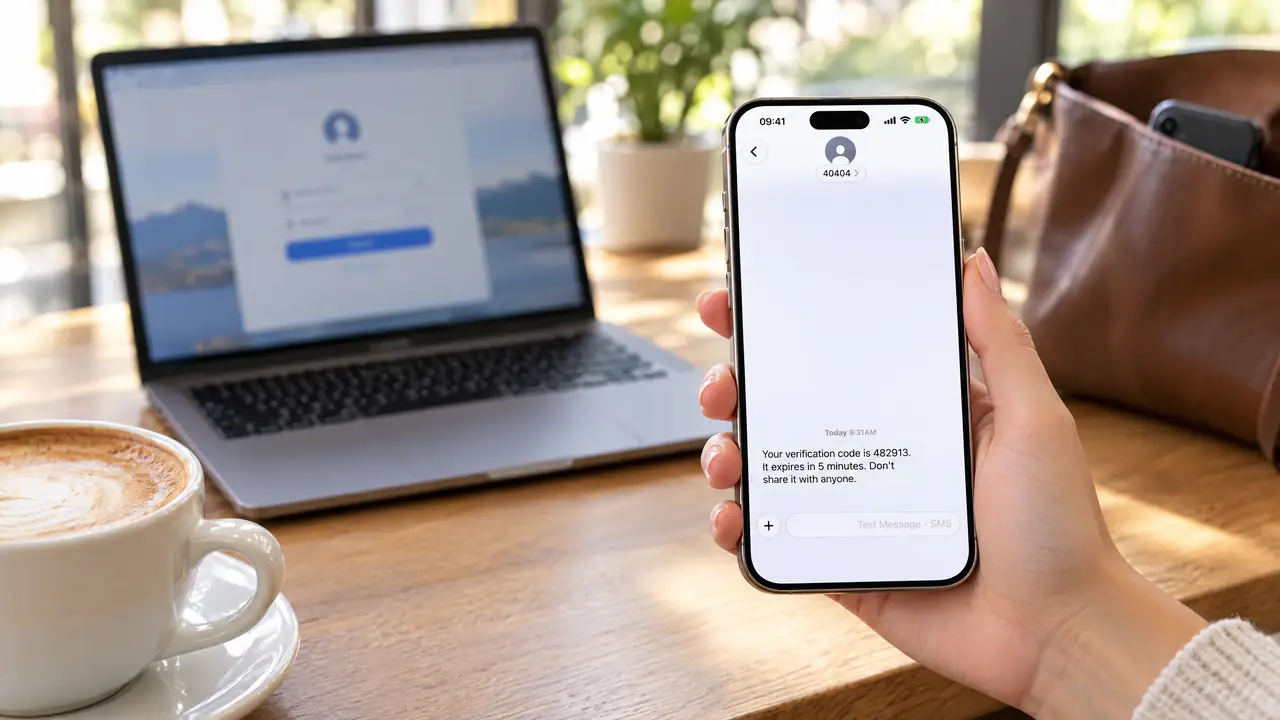
The text from the other number shows up on your iPhone, encrypted on the way, and only there.
Calls show on the iPhone's own call screen with the caller's name, also on the lock screen. Slide to answer, or decline and send a quick text instead.
Mute, speaker, keypad for menus and extensions, AirPods and car audio. Pull down to keep the call going while you look something up.

Every call the Android phone made or missed, with names and times. Swipe a row to call back or text.

Conversations from the Android phone with unread counts, drafts and search. New texts arrive with a notification.
Verification texts reach the iPhone the moment they land, over the encrypted link and never through a server.

The Android phone's address book, photos included, kept only inside iTell.

Long-press to paste a number, swipe to delete a digit, pick the SIM, call.

See which phone you're linked to, its battery and carrier, and whether the link is encrypted. A small strip tells you if it drops.

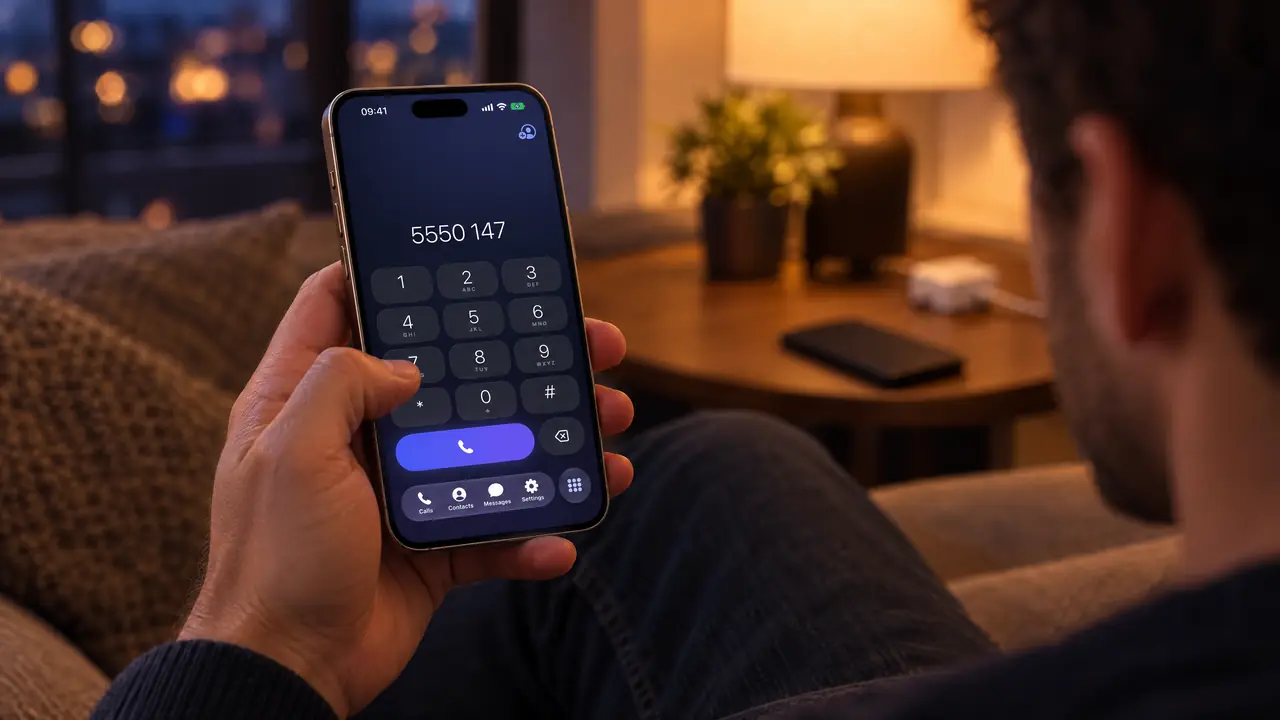
Long-press to paste a number, swipe to delete a digit, pick the SIM, call.
Choose the SIM per call or per conversation.
English, Persian, Arabic, Urdu, Turkish, Chinese and Indonesian, right-to-left done properly.
Follows your iPhone's appearance, everywhere.
Keypad tones, sent and received sounds, swipe actions on every row.
Calls and texts need no internet at all, only Bluetooth.
Free a seat in your account and pair the new one in minutes.
Create an account, install both apps, pair them once. That's the whole setup.
Get started