 iTell
1
Install both apps
iTell on the Android phone that holds the SIM, and iTell on your iPhone. Sign in to both with the same account.

Two apps, one QR code, about five minutes. After that it just runs.
iTell on the Android phone that holds the SIM, and iTell on your iPhone. Sign in to both with the same account.
The Android phone shows a code, your iPhone scans it. The two phones exchange keys right there, and only those two can talk to each other from now on.

Calls ring on your iPhone, texts arrive there, contacts and history show up. The Android phone stays quiet.

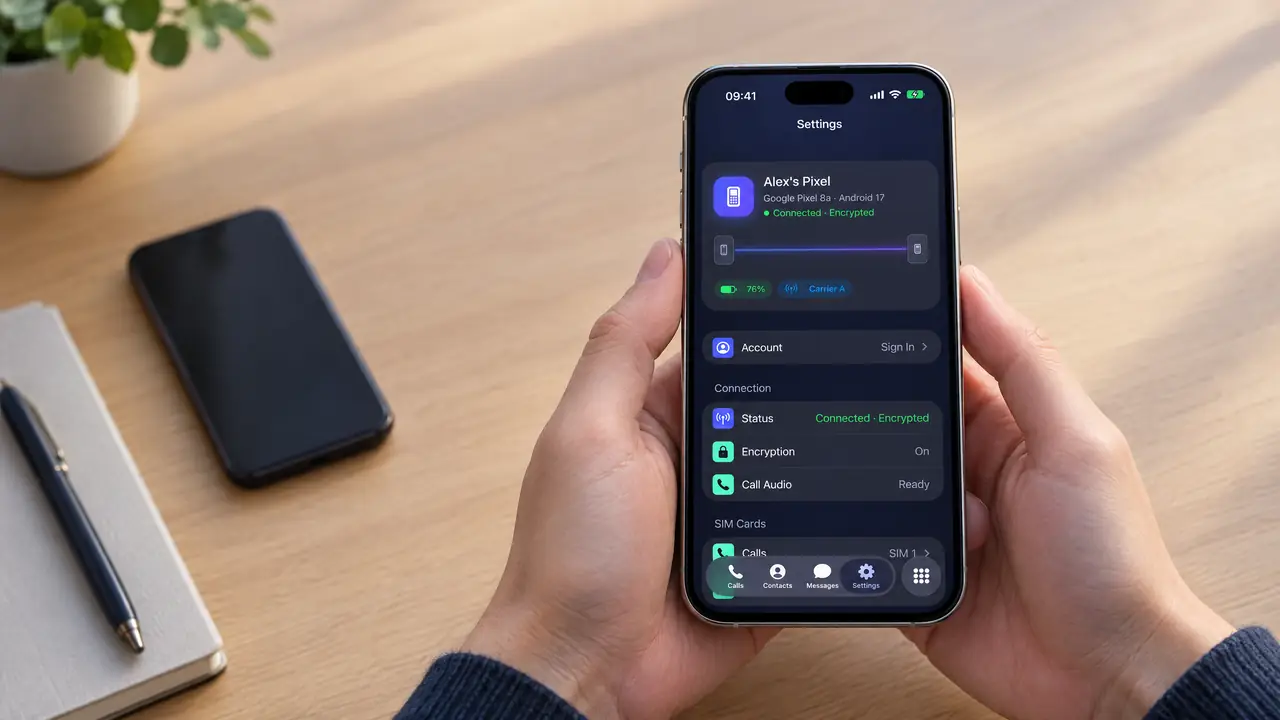
Paired once, the two phones keep an encrypted link on their own.
The two phones keep a low-energy Bluetooth link open, the same kind your watch uses. No Wi-Fi network, no hotspot, no server.
When a call comes in, the Android phone tells the iPhone, which shows it on the system call screen. Voice travels both ways in small encrypted packets.
Texts, contacts and call history are synced in the background and stored only inside iTell on your iPhone.
Check that Bluetooth is on for both phones and that the Android phone isn't in battery saver that stops apps. It reconnects by itself.
Open iTell on the Android phone → Settings → Call audio and run the check. It tries every method and keeps the one that works on your phone.
Free the old phone's seat in your account, sign in on the new one and pair again with the QR code.
Create an account, install both apps, pair them once. That's the whole setup.
Get started