How to use two phone numbers with one iPhone
Lots of people end up with two numbers: a work line and a personal one, an old number everyone still has, or a SIM from another country. If both SIMs fit in your iPhone, Dual SIM solves it. But often the second number lives in an Android phone, and you end up carrying both.
This guide walks through the ways to use two phone numbers with one iPhone when the second SIM is in another phone, and what you give up with each.
Option 1: Put both SIMs in the iPhone
Recent iPhones support Dual SIM with eSIM. If your carrier offers an eSIM for the second number, this is the simplest route: both numbers ring on one phone, you choose which line to call from, and texts arrive in one place.
It doesn't work when:
- your carrier doesn't offer an eSIM for that number,
- the number is tied to a physical SIM you can't convert,
- you already use both slots, or
- the second line belongs to a company phone you're not allowed to move.
Option 2: Forward calls from the other phone
Most carriers let you forward calls to another number. It's free or cheap, and it rings your iPhone. The catches: you can't call out from the second number, texts don't follow, and one-time codes still land on the other phone. Forwarding can also cost money per minute, depending on the carrier.
Option 3: An SMS-forwarding app
Apps on the Android phone can send incoming texts on to your iPhone over the internet. That covers texts, but both phones need a data connection, a server usually sits in the middle and sees your messages, and calls aren't covered at all.
Option 4: Keep the Android phone in your bag and mirror it
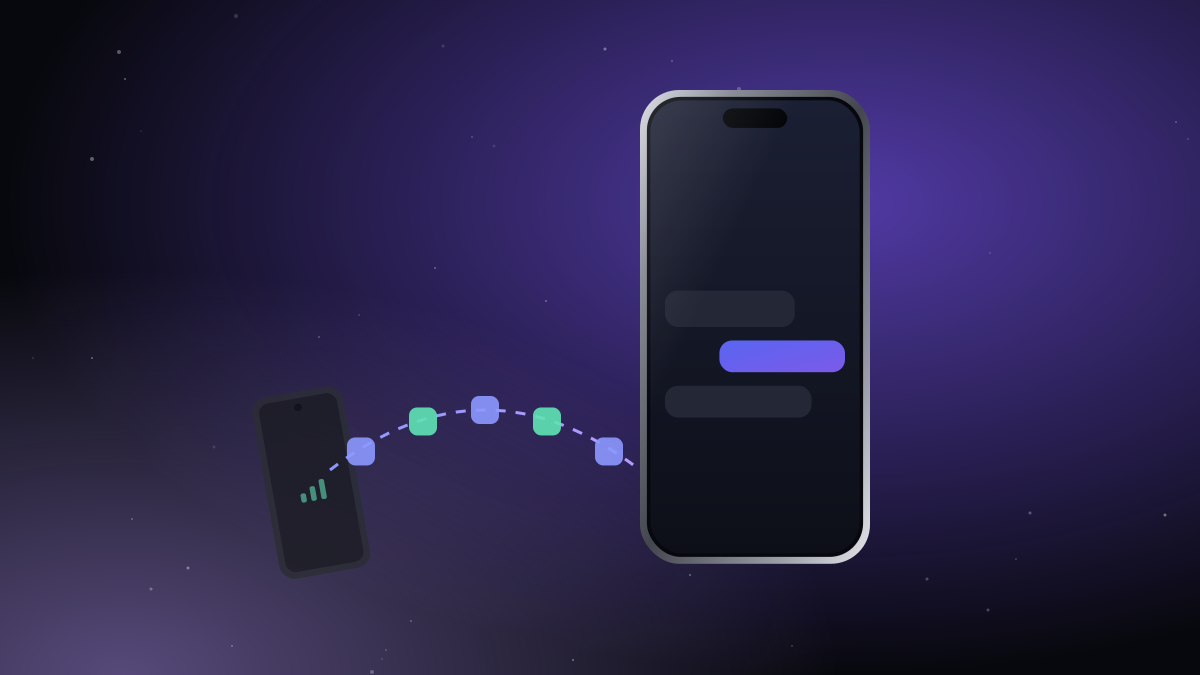
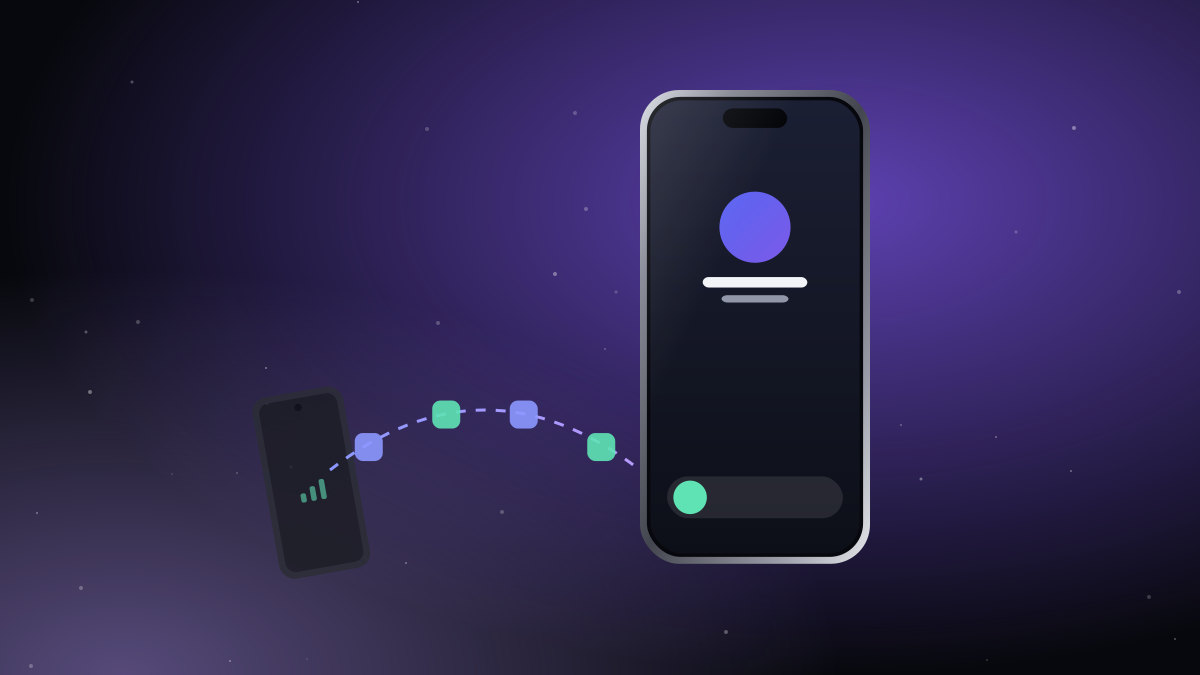
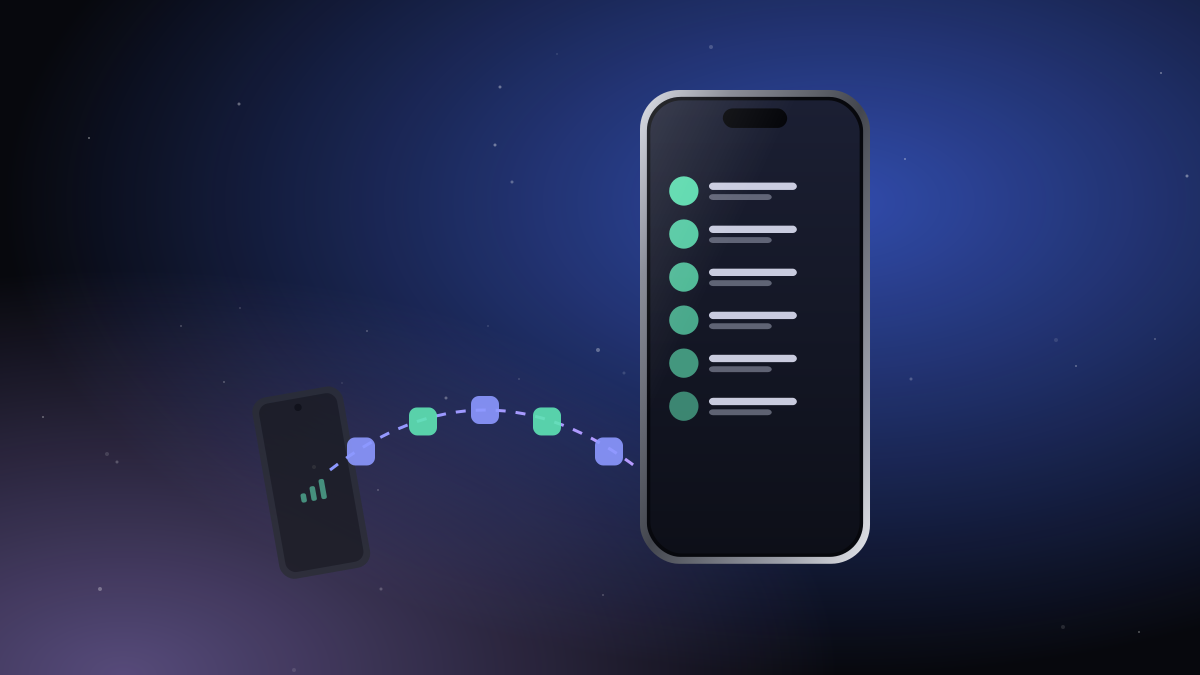
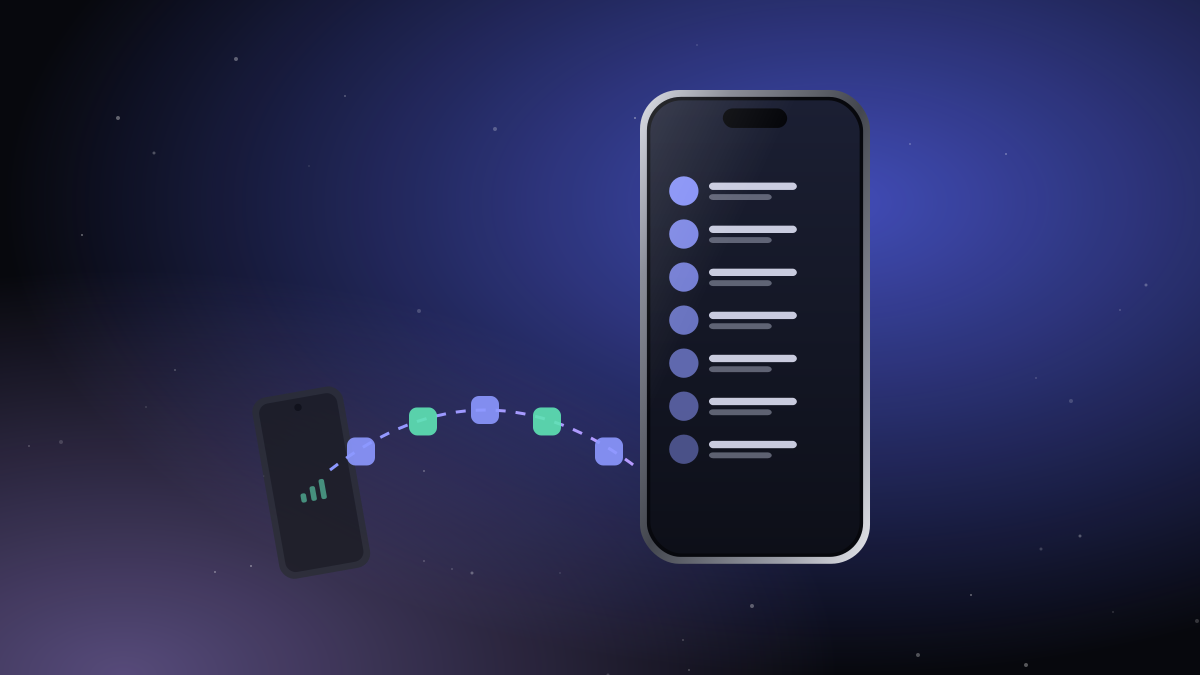
This is what we built iTell for. The Android phone keeps its SIM and stays in your bag. Over a direct, encrypted Bluetooth link, the iPhone shows its calls, texts, contacts and call history:
- Calls ring on the iPhone with the system call screen, also when it's locked. You answer, talk and hang up on the iPhone.
- You can call out with the Android phone's SIM, from the iPhone's keypad or contacts.
- Texts arrive with their full history, one-time codes included.
- No internet and no server are needed for calls and texts.
The trade-off is honest: the two phones need to be within Bluetooth range (a bag, a pocket, the same room), and the Android phone needs Android 13 or later.
Which one should you pick?
| You want… | Best fit |
|---|---|
| Both numbers, one phone, carrier supports eSIM | Dual SIM on the iPhone |
| Just to not miss calls | Call forwarding |
| Texts only, internet always on | An SMS-forwarding app |
| Calls in and out, texts and codes, no server | iTell |
Getting started with iTell
- Install iTell on the Android phone that holds the second SIM and on your iPhone.
- Sign in to both with the same account.
- Scan the QR code the Android phone shows with your iPhone. That's the pairing, done once.
From then on, the second phone can stay in your bag. See how it works for the details, or the security page for how the link is protected.

Create an account, install both apps, pair them once. That's the whole setup.
See how it works Get started