How to get your Android phone's texts on your iPhone
Search for "Android texts on iPhone" and most results explain how to move your old messages once, when you switch phones. That's useful, but it's not what you need if the Android phone is staying around, with its own SIM, and you want its new texts to show up on your iPhone every day.
Here are both cases, so you can pick the right tool.
Case 1: You're switching phones for good
If you're leaving Android and won't use the old SIM again, Apple's Move to iOS app copies your messages, contacts and photos during the iPhone's setup. A few tips:
- Keep both phones on Wi-Fi and plugged in.
- Leave Move to iOS open on the Android phone until it finishes; a phone call during the transfer can stop it.
- Move your SIM to the iPhone afterwards.
That's a one-time copy. New texts sent to the old number go wherever that SIM is.
Case 2: The Android phone keeps its SIM
This is the "second phone in the bag" situation. The SIM stays in the Android phone, maybe because it's your work line, your old number or a second country's SIM. You want its texts on the iPhone as they arrive.
Your choices:
SMS forwarding apps
An app on the Android phone catches each new text and sends it on, usually as a notification or an email. It works, but:
- both phones need internet,
- the messages pass through somebody's server,
- replies go from a different number, or not at all.
A Bluetooth mirror (iTell)
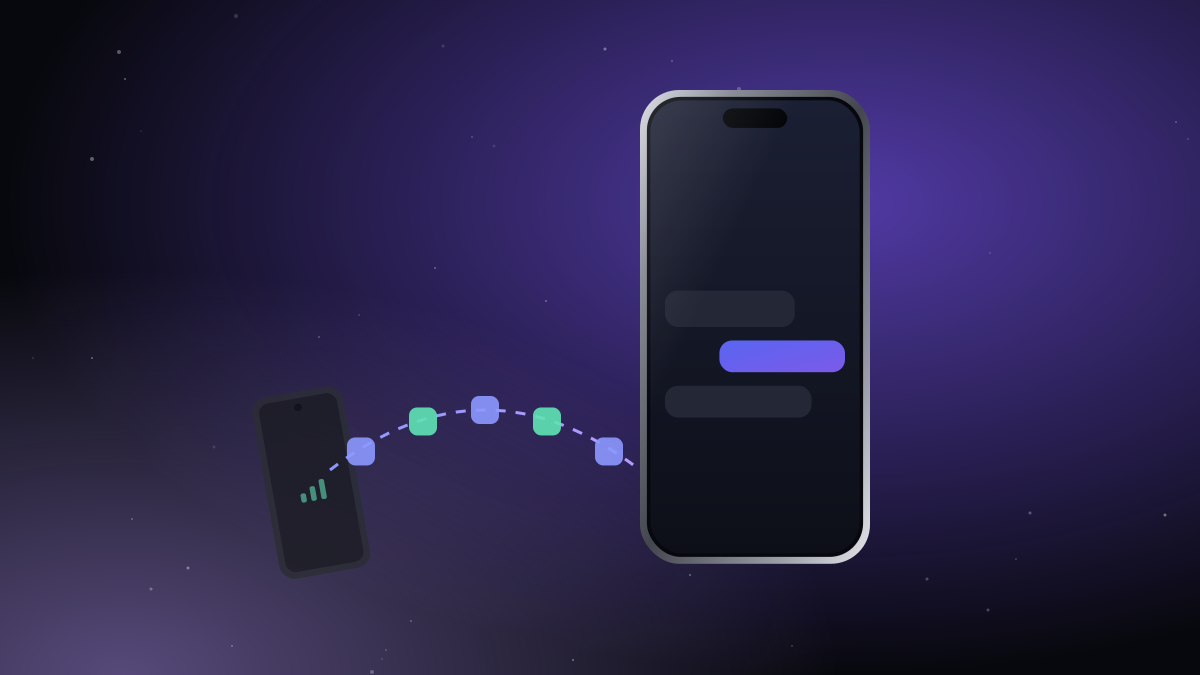
iTell keeps the texts where they belong, on the Android phone's SIM, and shows them on the iPhone over an encrypted Bluetooth link:
- New texts arrive with a notification on the iPhone.
- The full history comes along: the newest 1,000 messages, in their conversations.
- You reply from the iPhone, and the text is sent by the Android phone's SIM, from the same number.
- One-time codes arrive like any other text, encrypted on the way.
- No internet, no server: the texts go from one phone to the other and nowhere else.
Setting it up
- Install iTell on both phones and sign in with the same account.
- On the Android phone, allow access to SMS and contacts when asked.
- Scan the pairing QR code with your iPhone.
Within a few seconds the iPhone shows your conversations. Leave the Android phone in your bag, on a charger at your desk, or anywhere within Bluetooth range.
Texts stay inside iTell on your iPhone. They aren't copied into Apple's Messages app, and they never reach our servers.
Want the same for calls? Read how to answer your Android phone's calls on your iPhone.

Create an account, install both apps, pair them once. That's the whole setup.
See how it works Get started