Now in public beta

Your other number, on the iPhone in your hand.

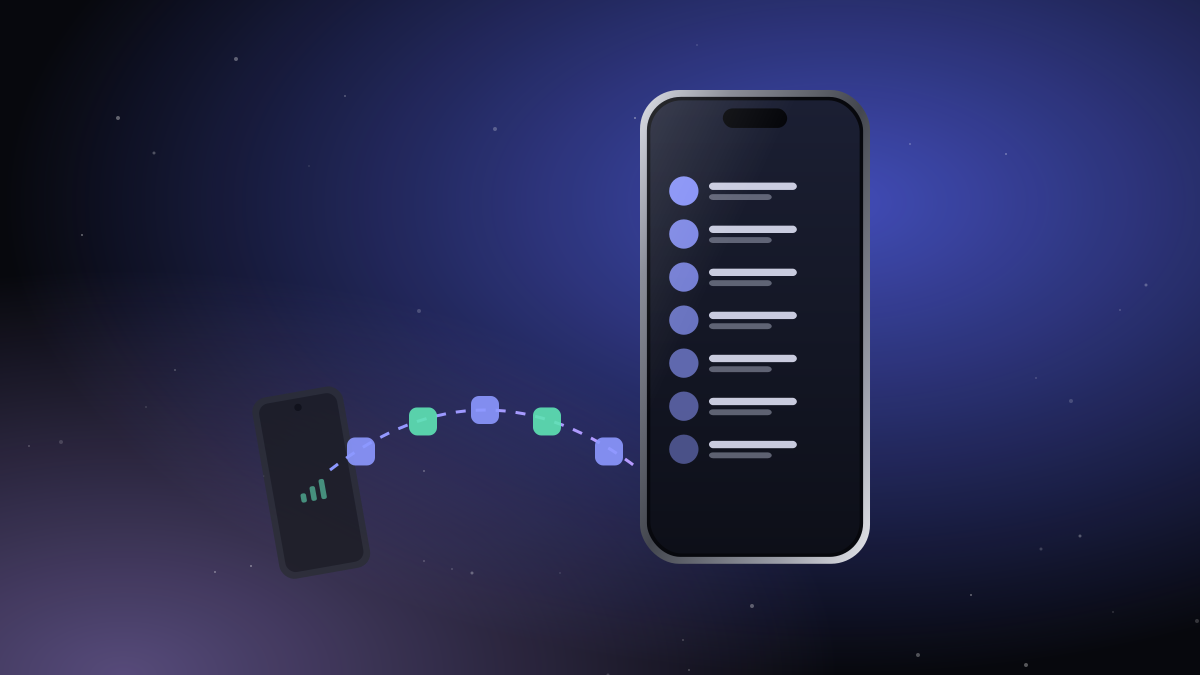
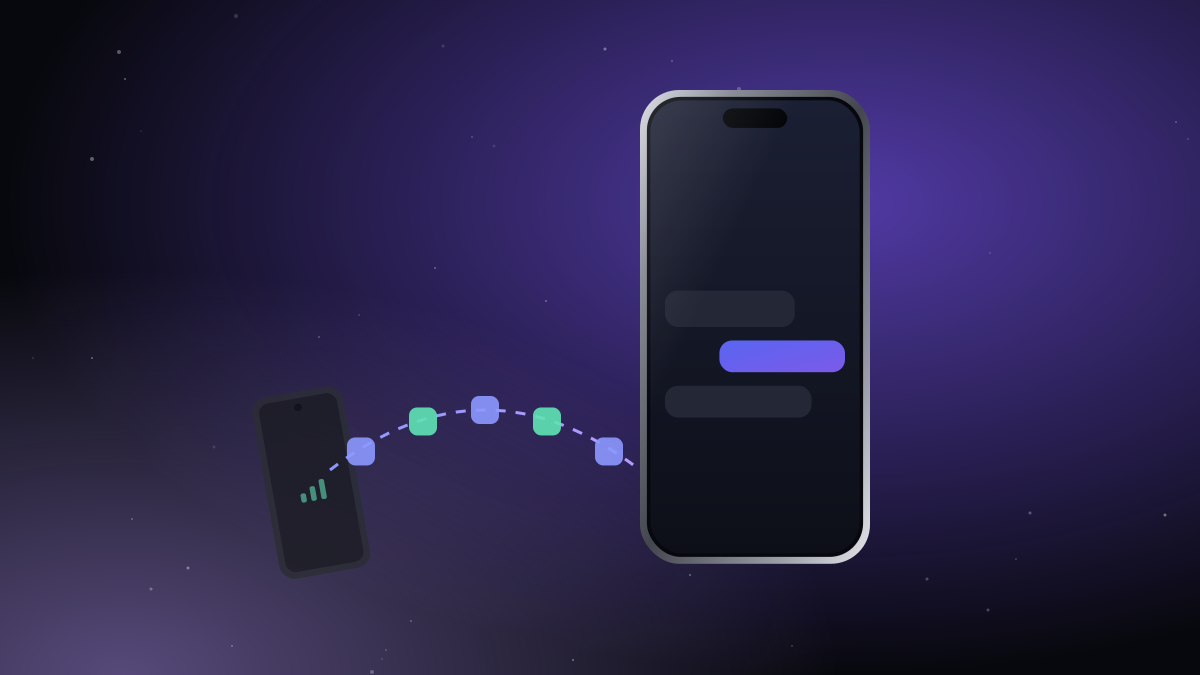
Leave the Android phone with your second SIM in your bag. Its calls ring on your iPhone and its texts land there, codes included. Bluetooth only, end-to-end encrypted, no server in between.

Incoming call · SIM 2
Incoming call · SIM 2iTell
New text from Sara
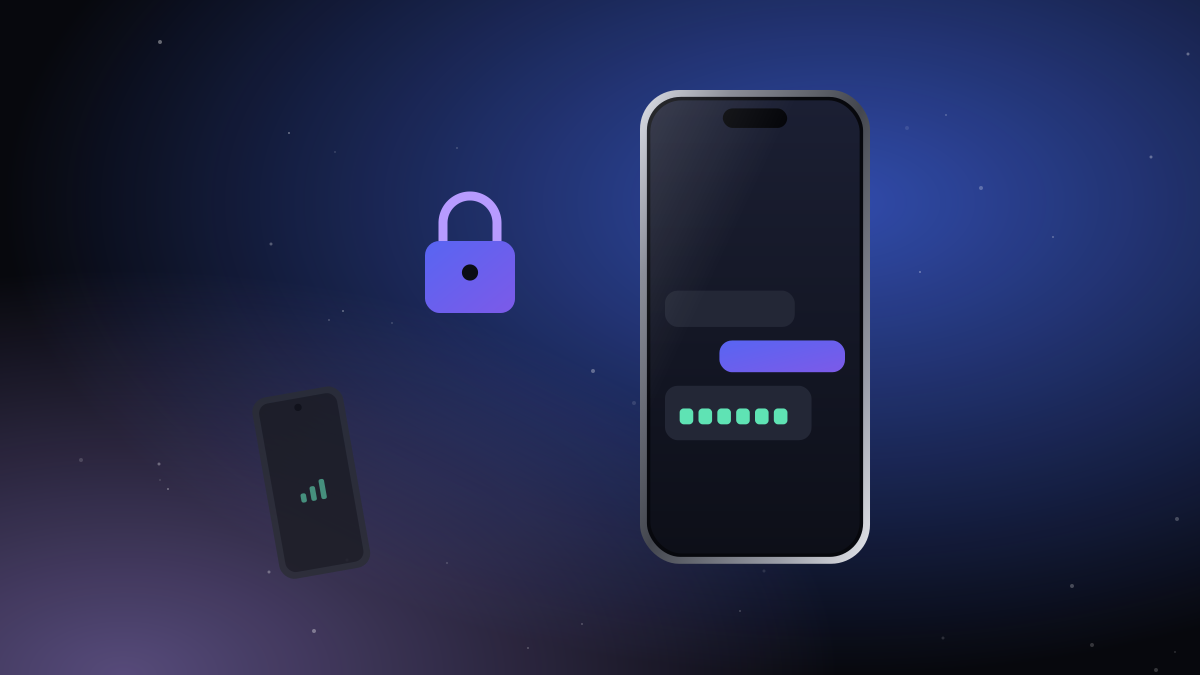
Linked · encrypted
Bluetooth LE, no serverAES-256-GCM end to endLock-screen calls7 languagesLight and dark
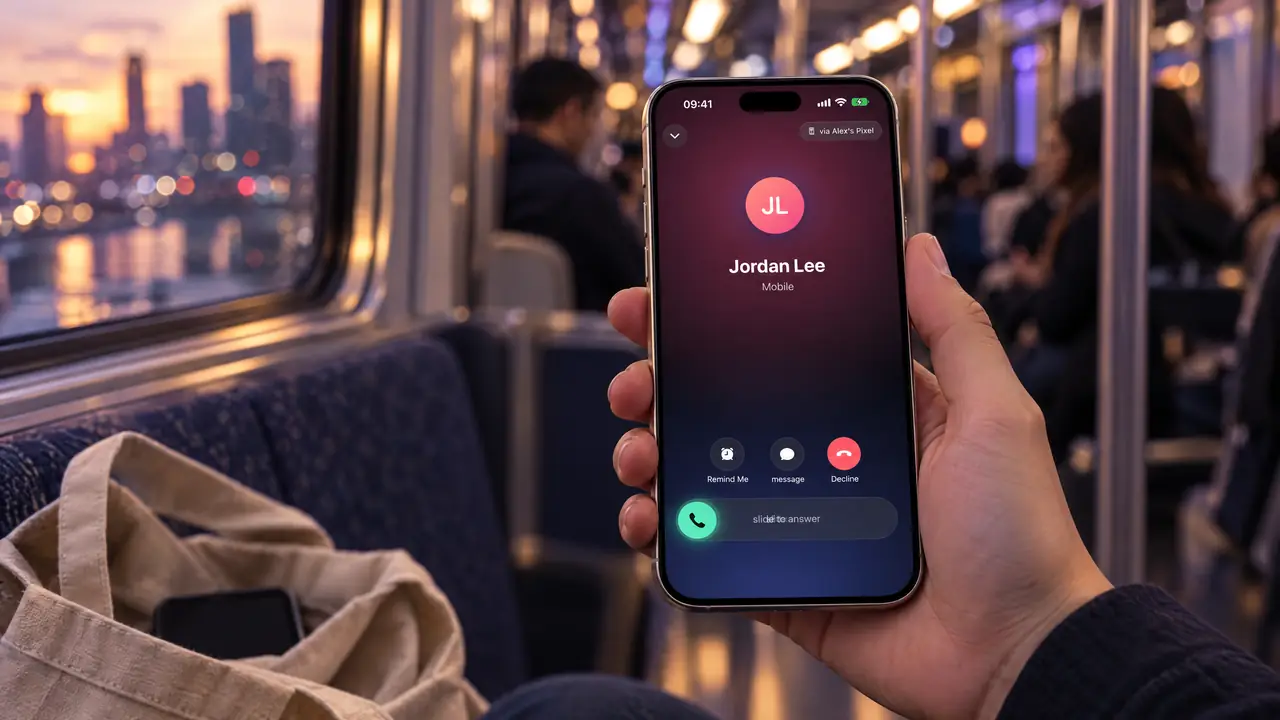
In your hand, on the train

In your hand, on the train

The other phone stays in the bag. The call is on your iPhone.

Sound familiar?

1

Two phones, one pocket

Your work line, your old number, the SIM from back home. Carrying a second phone all day gets old fast.

2

The code is always on the other phone

The bank, the delivery app, the login screen: the six digits always go to the phone that's not in your hand.

3

Forwarding only goes halfway

Call forwarding can ring you, but you can't call back from that number, and the texts stay behind.

Everything from the other phone. Nothing in the way.

01

Calls ring on your iPhone. Even on the lock screen.

iTell hands every incoming call to the iPhone's own call screen. Answer with a swipe, use the keypad, mute, switch to speaker, then hang up the way you always do.

  • The caller's name from your contacts
  • Call out with the Android phone's SIM
  • Full call history, missed calls in red
Calls ring on your iPhone. Even on the lock screen.
02

Every text, and every code, in your hand.

All your texts arrive on the iPhone with their full history. When a one-time code comes in, you read it right there, without opening the bag. It only crosses the encrypted link between your two phones; no server ever sees it.

  • The last 1,000 texts, kept in sync
  • Reply from the phone in your hand
  • Search across every conversation
Every text, and every code, in your hand.
03

Your contacts came along.

Names, numbers and photos from the Android phone show up on the iPhone, so calls and texts never arrive as bare numbers. They stay inside iTell and never mix into your iPhone's own contacts.

  • Photos and labels included
  • Add a contact from the iPhone
  • Updates as soon as they change
Your contacts came along.
04

Two SIMs? Pick one per call.

If the Android phone holds two SIMs, choose which one to call or text from, every time or once per conversation. iTell remembers what you picked.

  • Per-SIM defaults or ask every time
  • Each text thread keeps its SIM
  • Paste a number straight onto the keypad
Two SIMs? Pick one per call.

A day with iTell

The Android phone never leaves your bag. You'll forget it's there.

On the train

Your work line rings. You answer on the iPhone, the other phone stays in the bag.

In a meeting

The bank sends a code. It shows up on the iPhone in your hand; the bag stays zipped.

At your desk

Texts from both numbers sit in one place, in your own language.

Dinner plans

You call the restaurant from your second SIM, without looking for the other phone.

How iTell compares

There are other ways to deal with a second number. Here's an honest look.

Carry both phonesCall forwardingSMS forwarding appsiTell
Answer calls to your second number
Call out from your second number
Texts and one-time codes
Works without Wi-Fi or mobile data
No server reads your messages
Only one phone in your hand
Your calls never touch our servers.

Private by design, not by promise.

Your calls and texts travel from one phone to the other over an encrypted Bluetooth link. They never reach our servers, because there's no server in the path at all.

  • Paired once with a QR code
  • New keys for every connection
  • We can't read what we never receive
Learn more

Made by a small team that answers its own tickets.

No call centre, no scripts. The people who reply to your ticket are the people who wrote the code and tested it on real phones.

Engineering

Bluetooth, audio and encryption. Lives in the lab with a drawer full of phones.

Design

Sweats the pixels in seven languages, right-to-left included.

Support

Reads every ticket and every log you choose to send.

Tested in our lab on
Google Pixel 8aSamsung Galaxy A54Nothing Phone (1)OnePlus 5TiPhone 15 Pro

From the blog

Guides and stories about living with two numbers.

All posts

Questions people ask

Two apps, one QR code, about five minutes. After that it just runs.

See how it works
Does my iPhone need a SIM card?

No. Calls and texts come from the SIM in the Android phone. Your iPhone can have its own SIM too, and both keep working.

How far apart can the phones be?

Within Bluetooth range: in your bag, your pocket or the same room. About 10 metres works well; walls shorten it.

Does it use the internet?

Not for calls and texts. The phones talk over Bluetooth. You only need the internet to sign in and to check your license now and then.

What about battery?

Bluetooth LE is very light. Most people charge the bag phone overnight like any other phone.

Which Android phones work?

Any phone with Android 13 or later can mirror texts, contacts and call alerts. Call audio depends on the phone; iTell checks yours and picks the best method. See the tested list on our About page.

What happens out of range?

The iPhone shows a small strip saying the other phone is out of reach and reconnects by itself as soon as it's back.

Leave the second phone in your bag.

Create an account, install both apps, pair them once. That's the whole setup.

Get started