How a phone call travels from one phone to another over Bluetooth
People often ask us how a call can ring on an iPhone when the SIM is in another phone, with no internet involved. Here's the journey, step by step, without the jargon (well, with a little).
The link: Bluetooth Low Energy
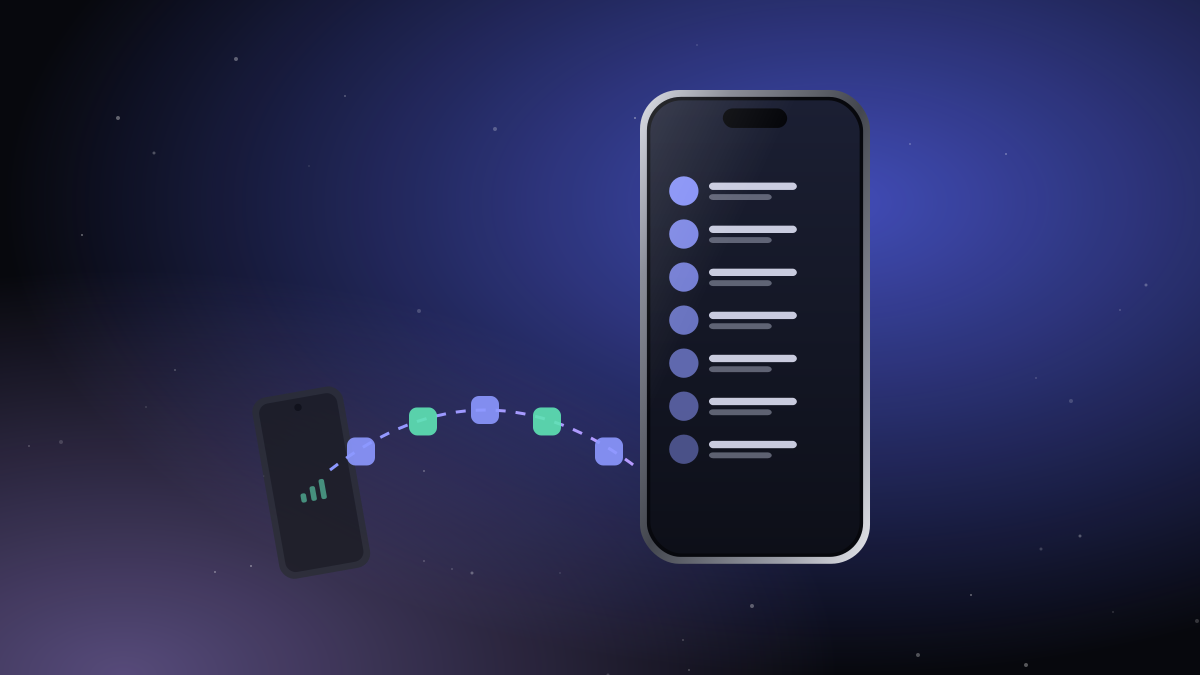
The two phones keep a Bluetooth Low Energy link open all the time. It's the same kind of connection a smartwatch uses: very little power, a range of roughly one big room, and no Wi-Fi network or router involved.
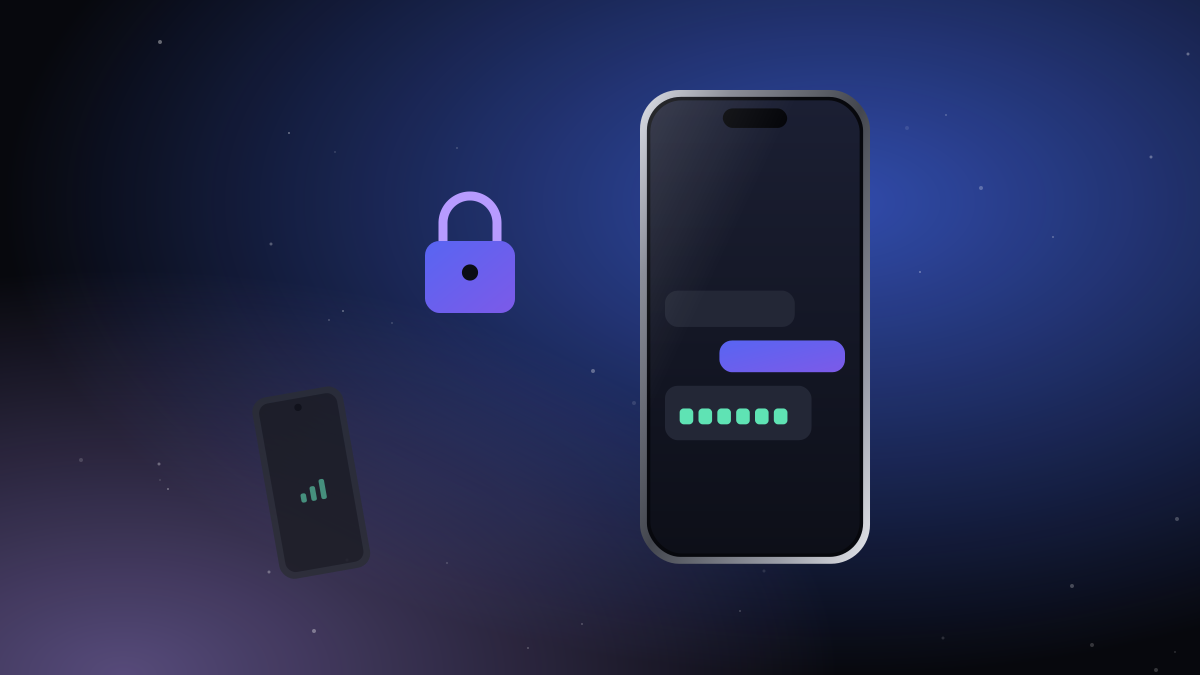
Before anything else travels over it, the phones prove to each other that they're the pair you set up with the QR code, and agree on fresh encryption keys for this session. Everything after that is encrypted.
1. The Android phone rings
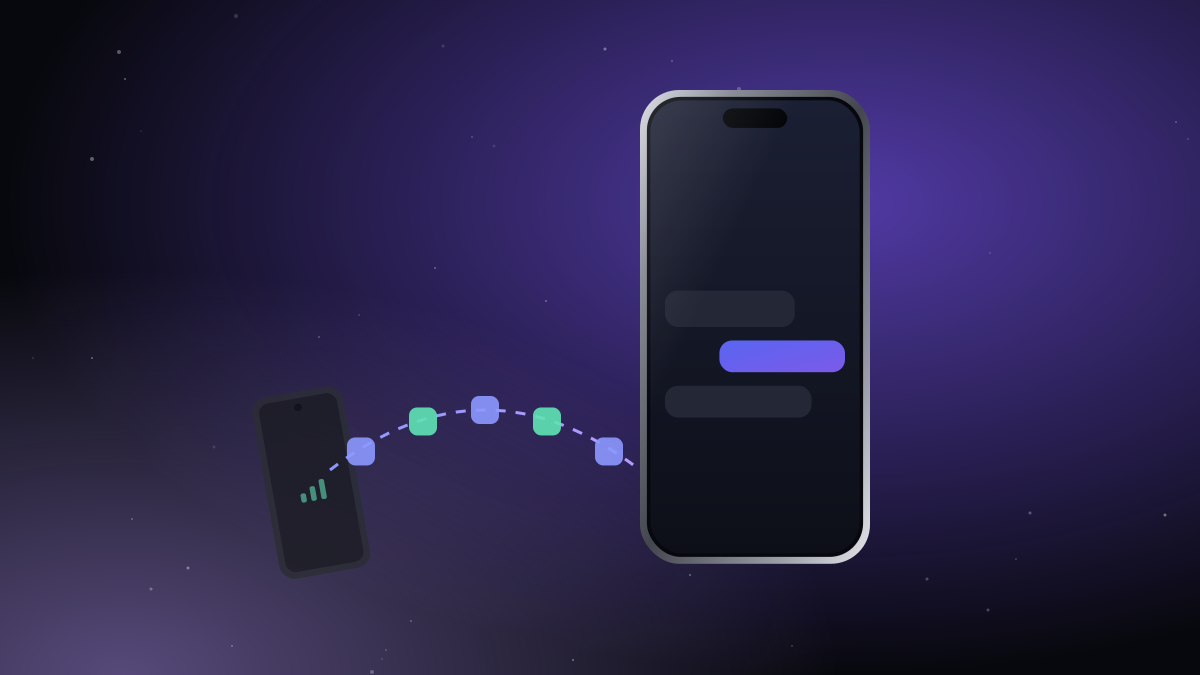
A call comes in on the SIM. iTell on the Android phone notices it and sends a short, encrypted "ring" message to the iPhone with the caller's number.
2. The iPhone shows the call
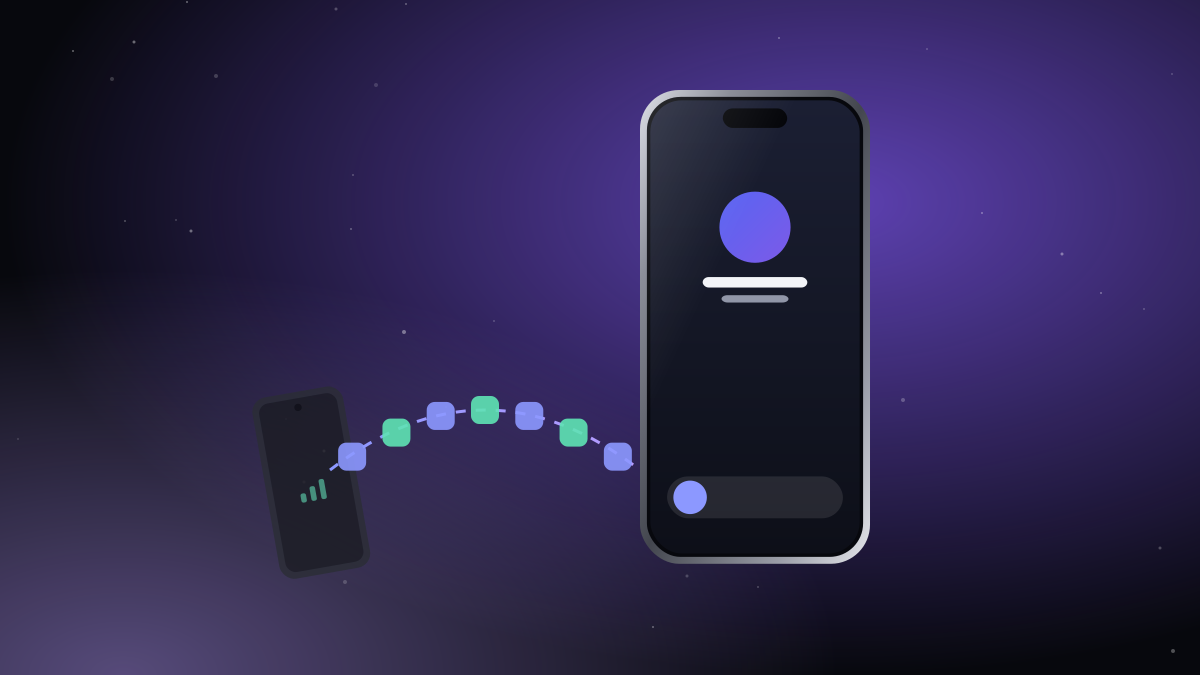
The iPhone hands the call to Apple's CallKit, the same system that phone and calling apps use. That's why the call appears on the real iPhone call screen, also on the lock screen, with the caller's name looked up from your contacts.
3. You answer
The iPhone tells the Android phone to pick up. The Android phone answers the call on its SIM.
4. Voice starts flowing both ways
This is the clever part. The Android phone takes the caller's voice and squeezes it with a speech codec (Opus) into small packets, about 50 per second. Each packet is encrypted and sent over Bluetooth to the iPhone, which decrypts it and plays it in your ear. Your voice makes the same trip back.
A small buffer smooths out the bumps, because Bluetooth delivers packets in little bursts. The whole round trip is short enough to feel like a normal call.
5. You hang up
The iPhone tells the Android phone to end the call, and both screens go back to normal.
What about texts and contacts?
Texts, contacts and call history use the same encrypted link, in the background, at a lower priority than voice. That's why a call always sounds smooth, even while your contacts are syncing.
Why call audio depends on the phone
Every Android manufacturer handles call audio a little differently. iTell includes a compatibility check that tries several methods on your phone and keeps the one that works best. On a few phones only the listening direction works; we say so up front, and we keep a list of tested phones on our about page.

Create an account, install both apps, pair them once. That's the whole setup.
See how it works Get started