Keep the phone in your bag charged and happy
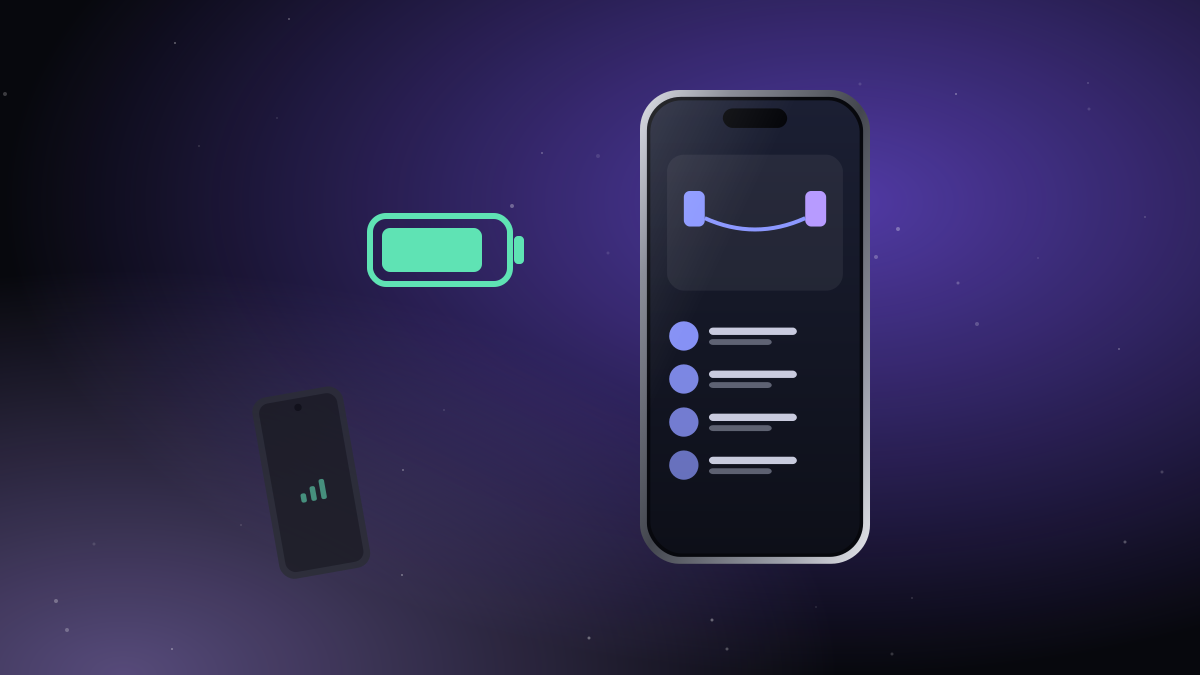
The Android phone in your bag has an easy job: hold the SIM, keep a Bluetooth link to your iPhone and pass on calls and texts. Done right, it uses very little battery. Here's how to keep it that way.
1. Let iTell run in the background
Android tries hard to save power by putting apps to sleep. That's great for games, not for the app that passes on your calls.
- Open Settings → Apps → iTell → Battery and choose Unrestricted (the wording varies by brand).
- On Samsung, also remove iTell from Sleeping apps.
- On Xiaomi and some others, allow Autostart.
iTell runs a small, visible notification on the Android phone while it works. That's normal, and it's what keeps Android from closing it.
2. Turn off what the bag phone doesn't need
- Screen brightness and timeout: the screen is usually off, so this barely matters, but a short timeout helps.
- Location, NFC, mobile hotspot: turn off whatever you don't use.
- Mobile data: iTell doesn't need it for calls and texts. Keep it on only if you need the internet on that phone.
- Background sync for apps you never open on that phone.
3. Charge it like any phone
Most people plug the bag phone in overnight, next to their iPhone. If it's older and its battery is tired, a small power bank in the bag covers a long day.
4. Mute it
Your iPhone does the ringing now. Set the Android phone to silent or vibrate-off, so your bag stays quiet.
5. Keep it close
Bluetooth reaches about one large room. Inside a bag or a jacket pocket on you is perfect. If you leave it in another room, iTell on the iPhone shows a small strip that it's out of reach, and reconnects by itself when you're back.
How much battery does it use?
Bluetooth Low Energy is designed for watches that last for days. Calls use more, because voice is flowing, but no more than a normal call on that phone. A typical day of texts and a few calls leaves plenty in the tank.

Create an account, install both apps, pair them once. That's the whole setup.
See how it works Get started