How to answer your Android phone's calls on your iPhone
Your Android phone rings in your bag. By the time you've dug it out, the call is gone. If that sounds like most of your days, here's how to make those calls ring on the iPhone in your hand instead.
The quick fix: call forwarding
Your carrier can forward calls from the Android phone's number to your iPhone. On most Android phones it's in the Phone app → Settings → Calls → Call forwarding.
What you get: calls reach the iPhone.
What you don't:
- you can't call out from the Android number,
- texts stay on the Android phone,
- some carriers charge for forwarded minutes,
- and if the iPhone is busy, things get messy.
The full fix: mirror the calls over Bluetooth
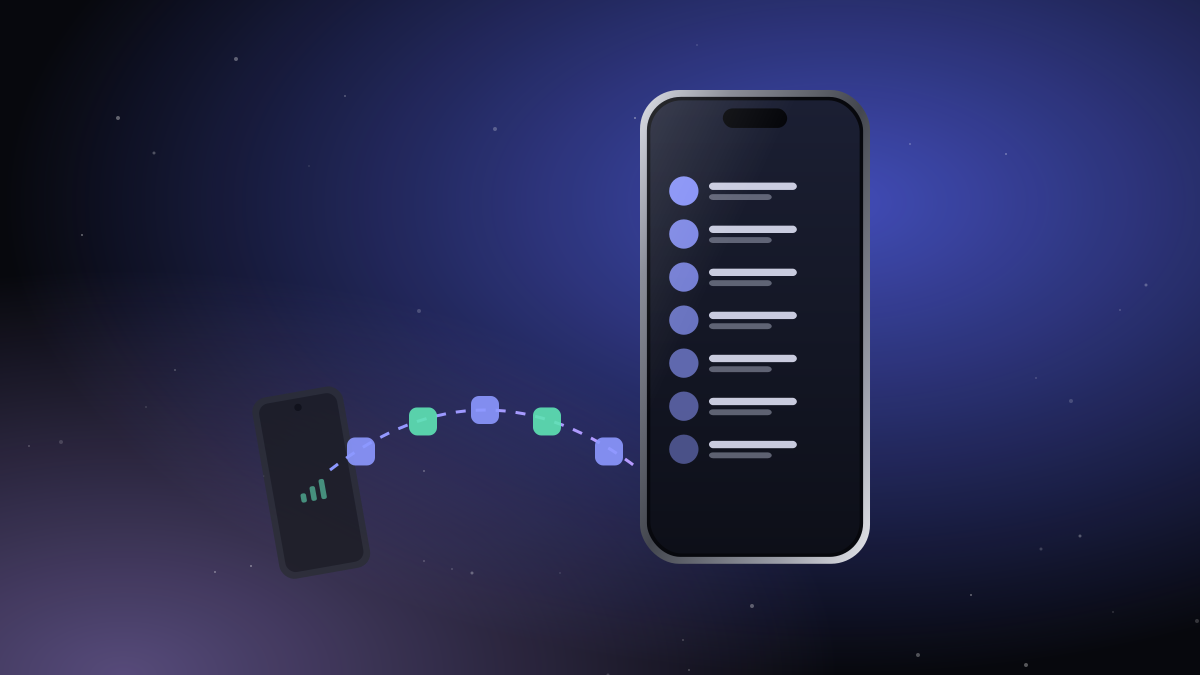
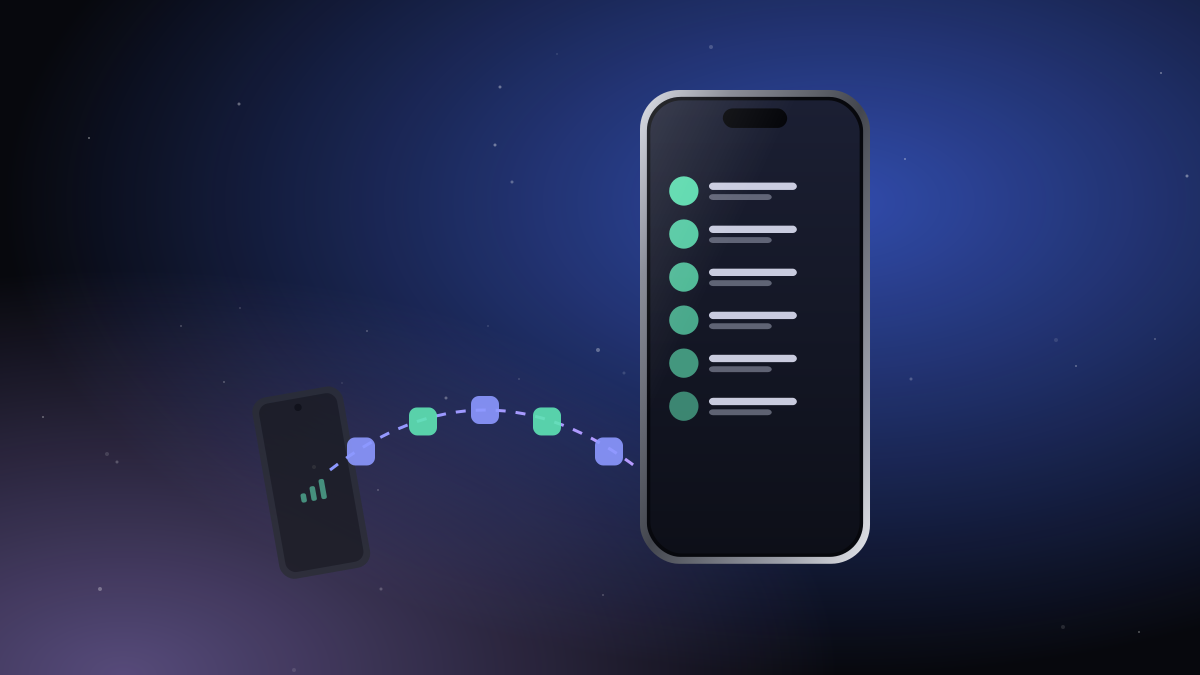
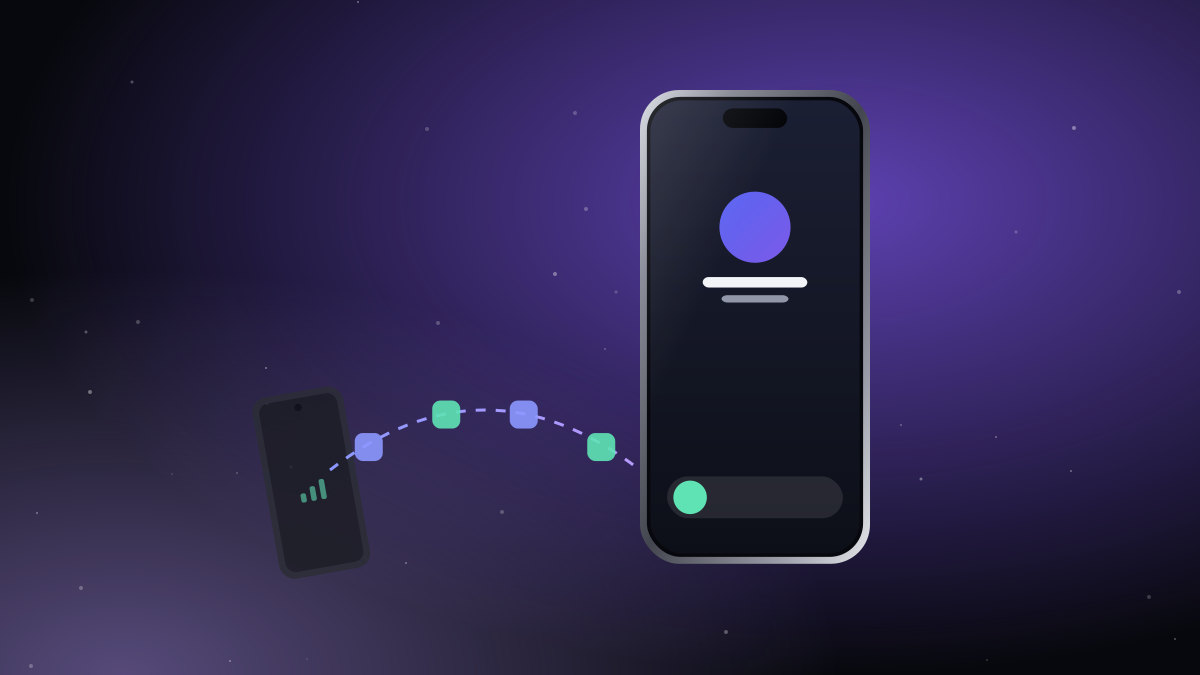
iTell keeps the call on the Android phone's SIM and moves the audio over an encrypted Bluetooth link to your iPhone. On the iPhone, the call looks and feels like any other call:
- It rings on the system call screen, with the caller's name from your contacts.
- It also rings on the lock screen.
- You can use the keypad for menus, mute, switch to speaker, AirPods or the car.
- Missed calls show up in red in iTell's call history.
And because the call really comes from the Android phone's SIM, you can also call out from the iPhone with that number, choosing the SIM if the Android phone has two.
What you need
- An Android phone with Android 13 or later, holding the SIM.
- An iPhone with iOS 17 or later.
- Both phones within Bluetooth range.
Call audio depends a little on the Android phone, because every manufacturer handles it differently. iTell checks your phone the first time and picks the method that works best on it. We test with live calls on phones like the Pixel 8a, Galaxy A54 and Nothing Phone (1); see the list on our about page.
Setting it up
- Install iTell on both phones and sign in with the same account.
- Pair them once with the QR code.
- On the Android phone, follow the short setup for call audio. It takes a couple of minutes.
After that, put the Android phone in your bag. Next time it rings, it's your iPhone that lights up.

Create an account, install both apps, pair them once. That's the whole setup.
See how it works Get started